


1. Sprite Sheets, Animation & Pixel Hygiene
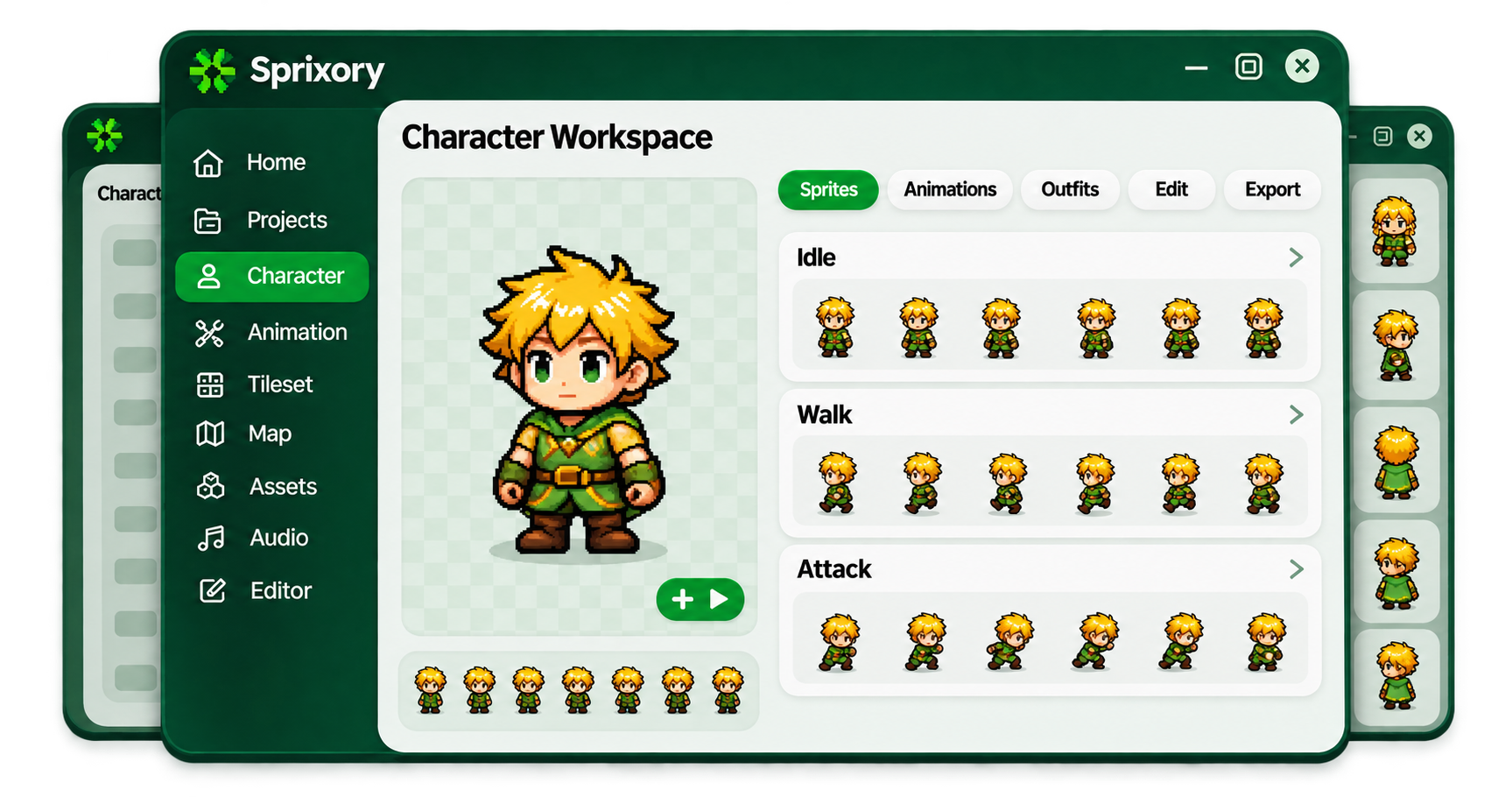
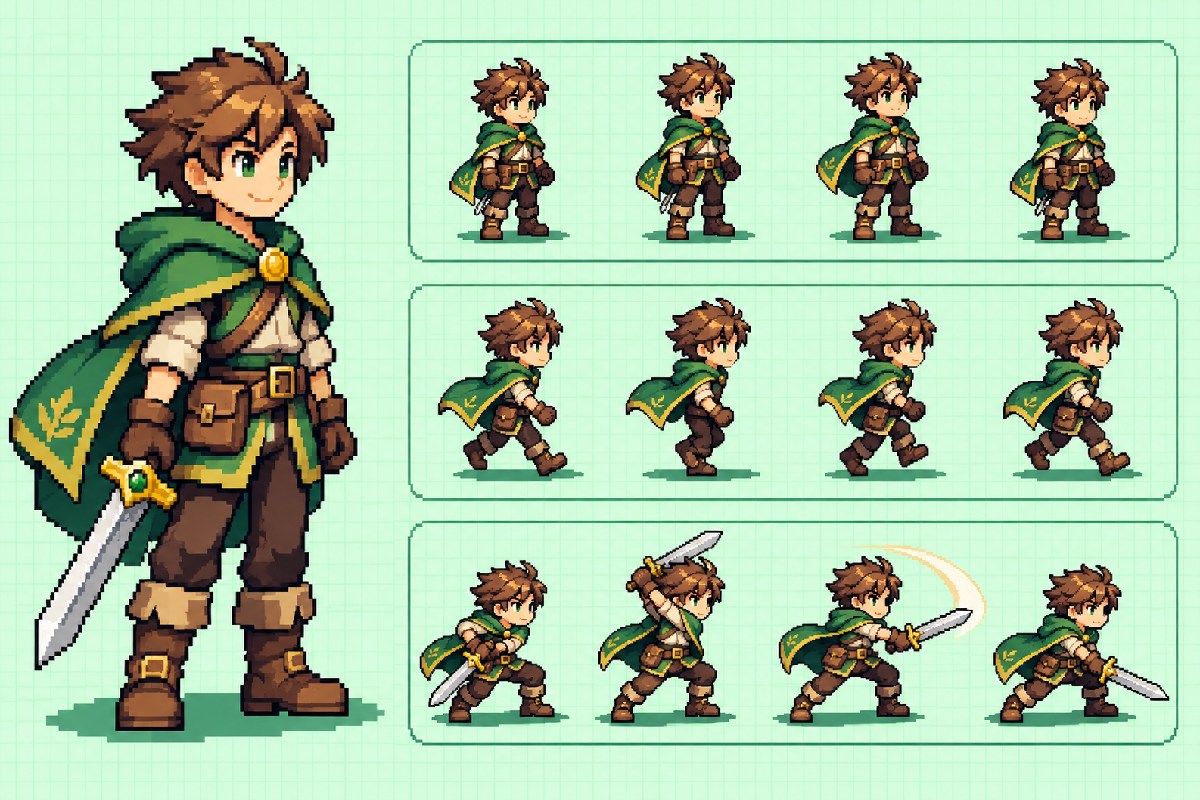
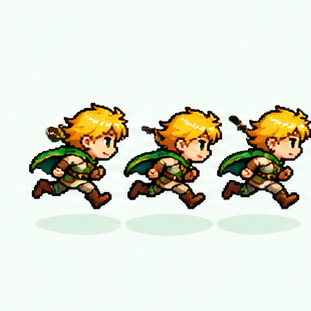
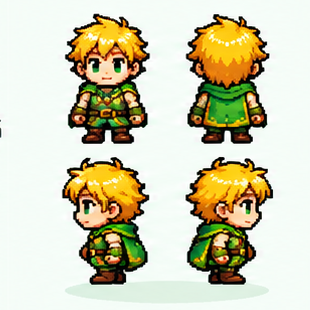
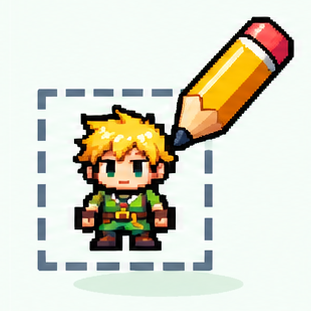
Start with raw concept art, hand-drawn frames, or downloaded asset packs and standardize them before they ever reach your game engine. Use the Pixel Art Fixer to snap blurry artwork onto an integer pixel grid with nearest-neighbor sampling, cap color counts to match your palette, and strip semi-transparent alpha halos that cause dark outlines in WebGL or OpenGL shaders. When assembling walk, idle, or attack cycles, pack individual frames in the Sprite Sheet Maker with bottom-center alignment so character feet never jitter between frames—or reverse the process with the Sprite Sheet Splitter when you need to edit or recolor single frames. Need faction colors or armor tiers? Run batch palette swaps without redrawing animations, and touch up details on a multi-layer canvas with genuine layered PSD and transparent PNG export.