

MkSprite
インディー開発者向けドット絵&2Dゲーム素材スタジオ

無料ドット絵・
スプライト分割&タイルマップツール

スプライト分割、タイルマップ、ドット絵修正、9スライスUI、8bit音源まで無料ブラウザツールとAIキャラ制作をひとつに。

Free Pixel
Tool Suite
Game-Ready
Assets
Multi-Engine
Export
Indie Developer
Friendly
Built for Real 2D Production

How Indie Developers Use MkSprite Across Every Stage of a 2D Game

Shipping a cohesive 2D game rarely fails on the first sketch—it breaks when sprites exported from different tools have mismatched pixel densities, fuzzy semi-transparent edges, uneven animation baselines, or incompatible map formats. MkSprite groups deterministic browser-local utilities and structured character pipelines so every asset shares the same logical grid from prototype to release.

1. Sprite Sheets, Animation & Pixel Hygiene

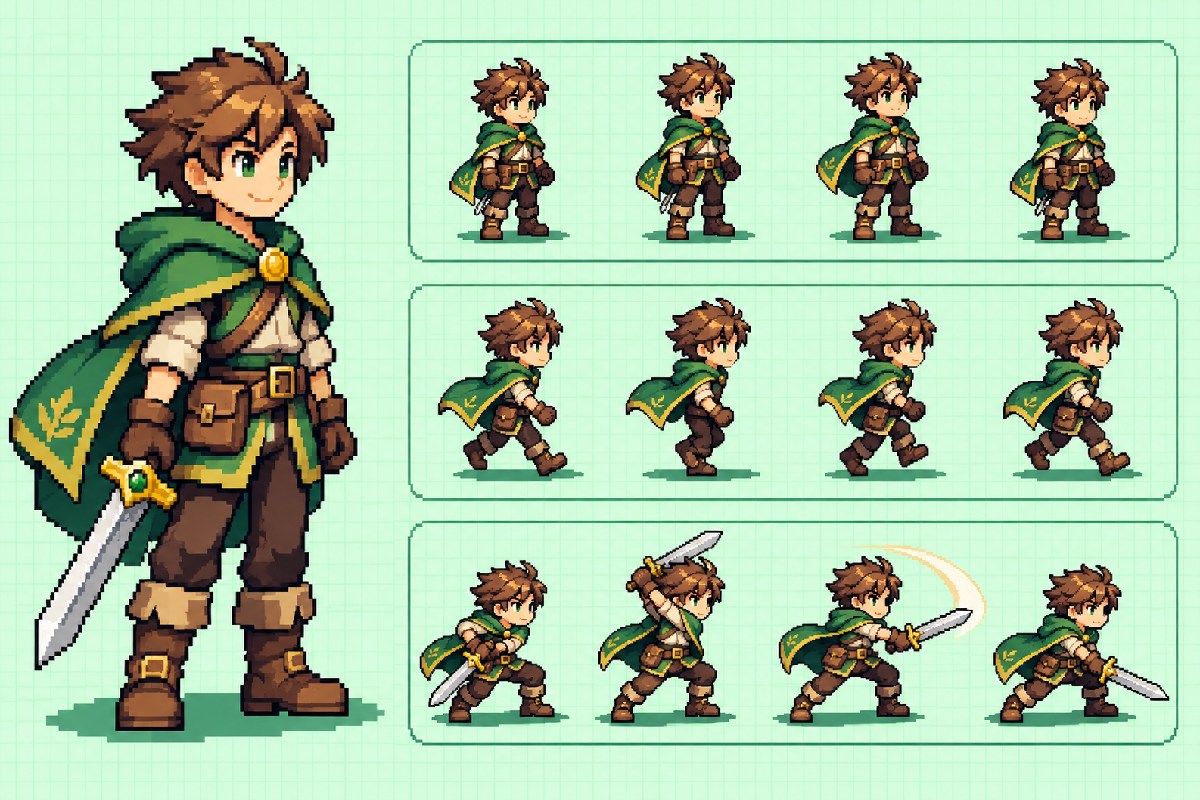
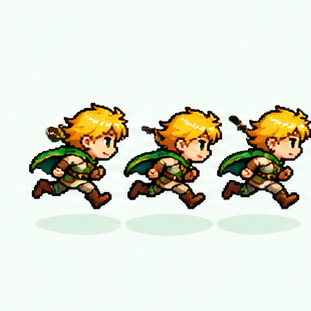
Start with raw concept art, hand-drawn frames, or downloaded asset packs and standardize them before they ever reach your game engine. Use the Pixel Art Fixer to snap blurry artwork onto an integer pixel grid with nearest-neighbor sampling, cap color counts to match your palette, and strip semi-transparent alpha halos that cause dark outlines in WebGL or OpenGL shaders. When assembling walk, idle, or attack cycles, pack individual frames in the Sprite Sheet Maker with bottom-center alignment so character feet never jitter between frames—or reverse the process with the Sprite Sheet Splitter when you need to edit or recolor single frames. Need faction colors or armor tiers? Run batch palette swaps without redrawing animations, and touch up details on a multi-layer canvas with genuine layered PSD and transparent PNG export.
2. Seamless Terrain Tilesets, Multi-Layer Maps & Scene Props

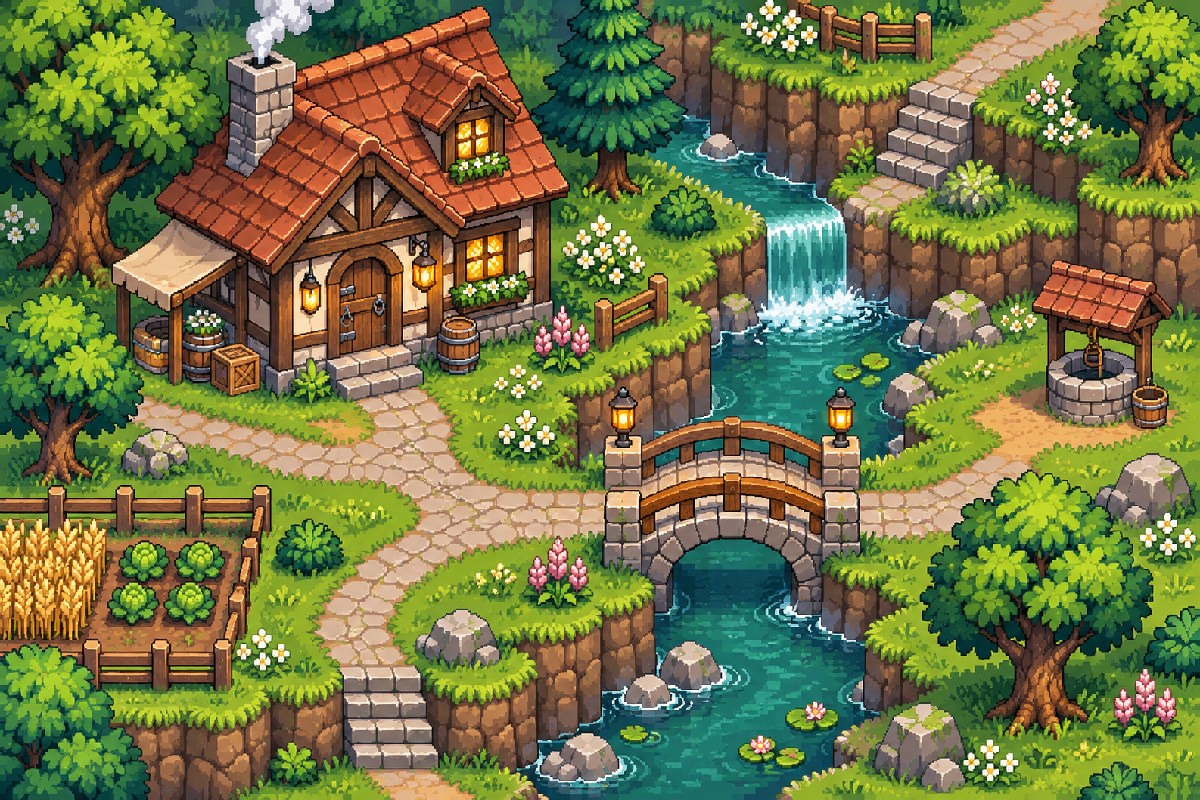
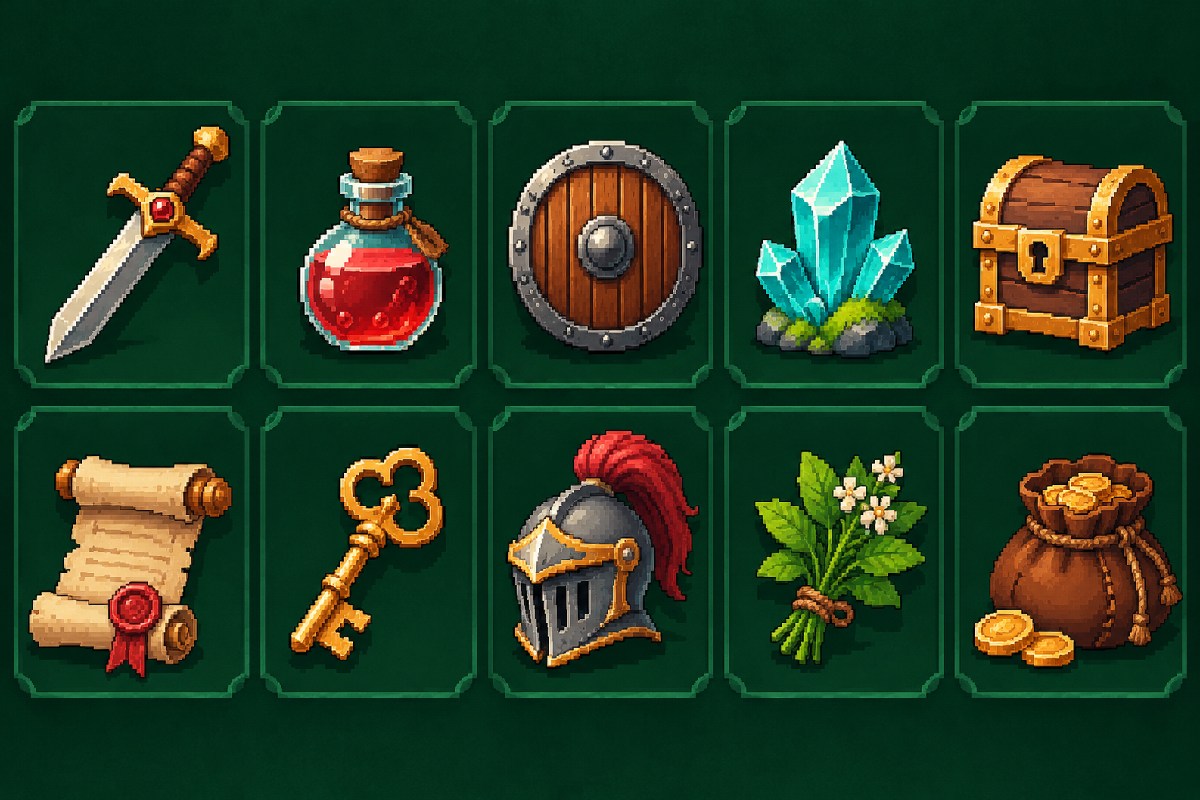
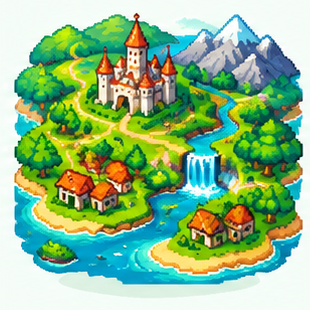
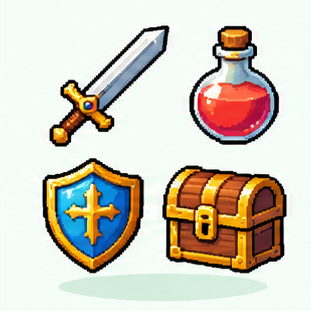
Hand-placing corner transitions slows down level design. MkSprite’s Tileset & Tile Map Editor computes 16-tile corner autotiling automatically as you paint terrain vertices, validates edge seams when you import custom 4×4 atlases, and separates Terrain, Props, and Collision rectangles onto distinct layers. You can export standard Tiled JSON (map.tmj) alongside terrain.png and props.png in a single ZIP archive, then populate levels with cohesive RPG items or isolate reusable trees, rocks, and buildings from transparent concept scenes via connected-component extraction.

3. Combat VFX, Distortion-Free 9-Slice UI & Retro 8-Bit Audio

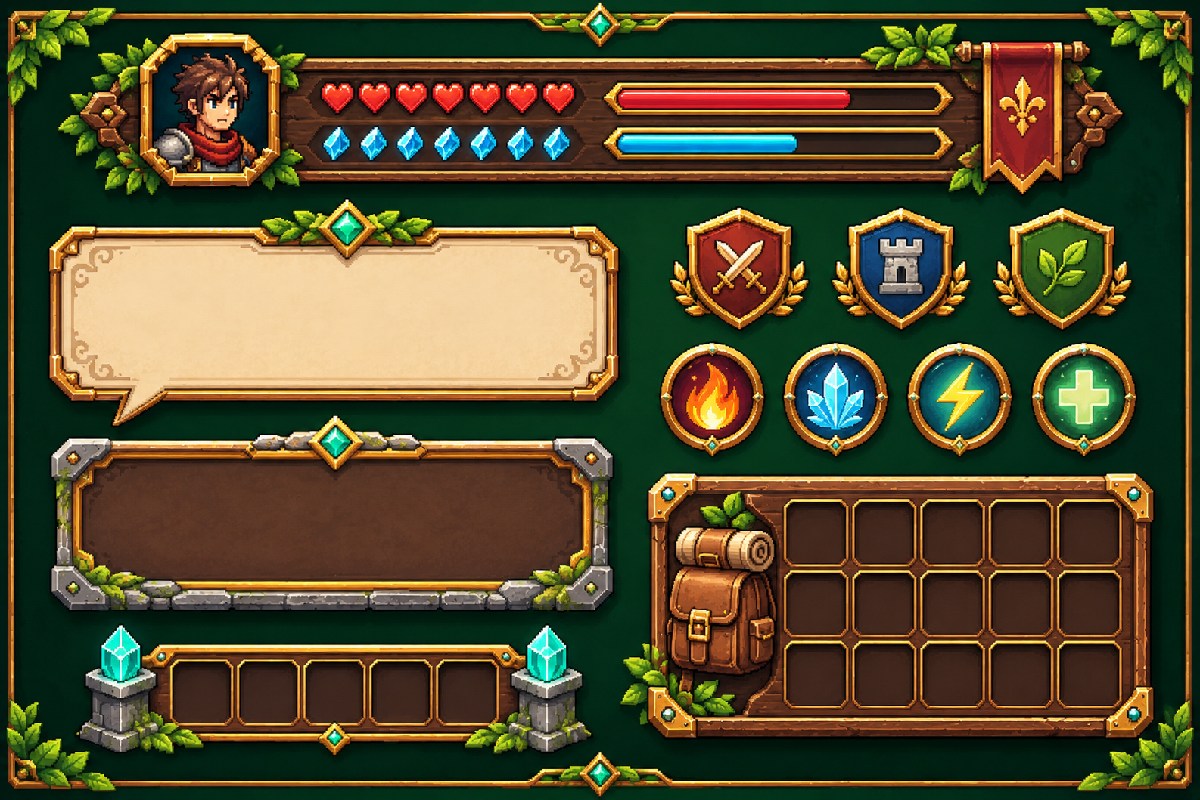
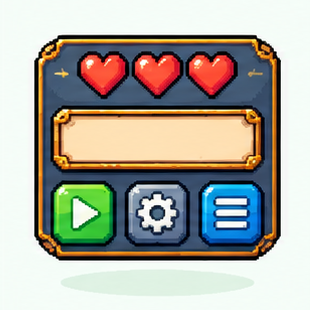
Game feel depends on readable feedback as much as character art. Generate 8-frame pixel slashes, explosions, and hit sparks exported with Phaser-ready frame coordinates, and build retro HUD panels, dialogue boxes, and buttons with locked 9-slice corner margins so Unity Nine-Slice and Godot NinePatchRect stretch cleanly at any screen resolution. For audio prototyping and game jams, synthesize click-free PCM WAV jump, coin, laser, and UI sound effects plus zero-seam 8-bit chiptune loops directly inside your browser—with zero server uploads and zero credit cost.

4. Engine Export Formats & Local vs. Cloud Workflow

Every browser-local tool in MkSprite runs strictly on your device via HTML5 Canvas and Web Audio APIs at 0 credits forever, keeping unreleased game art private. Standard output formats—lossless 32-bit RGBA PNG, TexturePacker / Phaser 3 Atlas JSON, layered Photoshop PSD, Tiled .tmj, and 16-bit PCM WAV—drop directly into Unity (Point filter, uncompressed), Godot 4 (Nearest texture filter, Sprite2D / TileMap), Phaser 3 (pixelArt: true), GameMaker, and RPG Maker. When you are ready to expand a cast with shared style profiles and cloud project storage, step into the AI Character Generator workflow and bring those sprites right back into the free local editing suite.

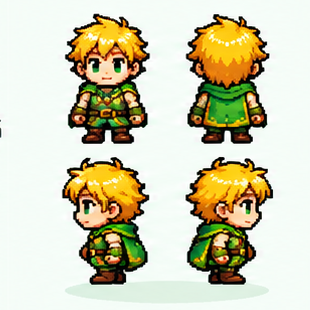
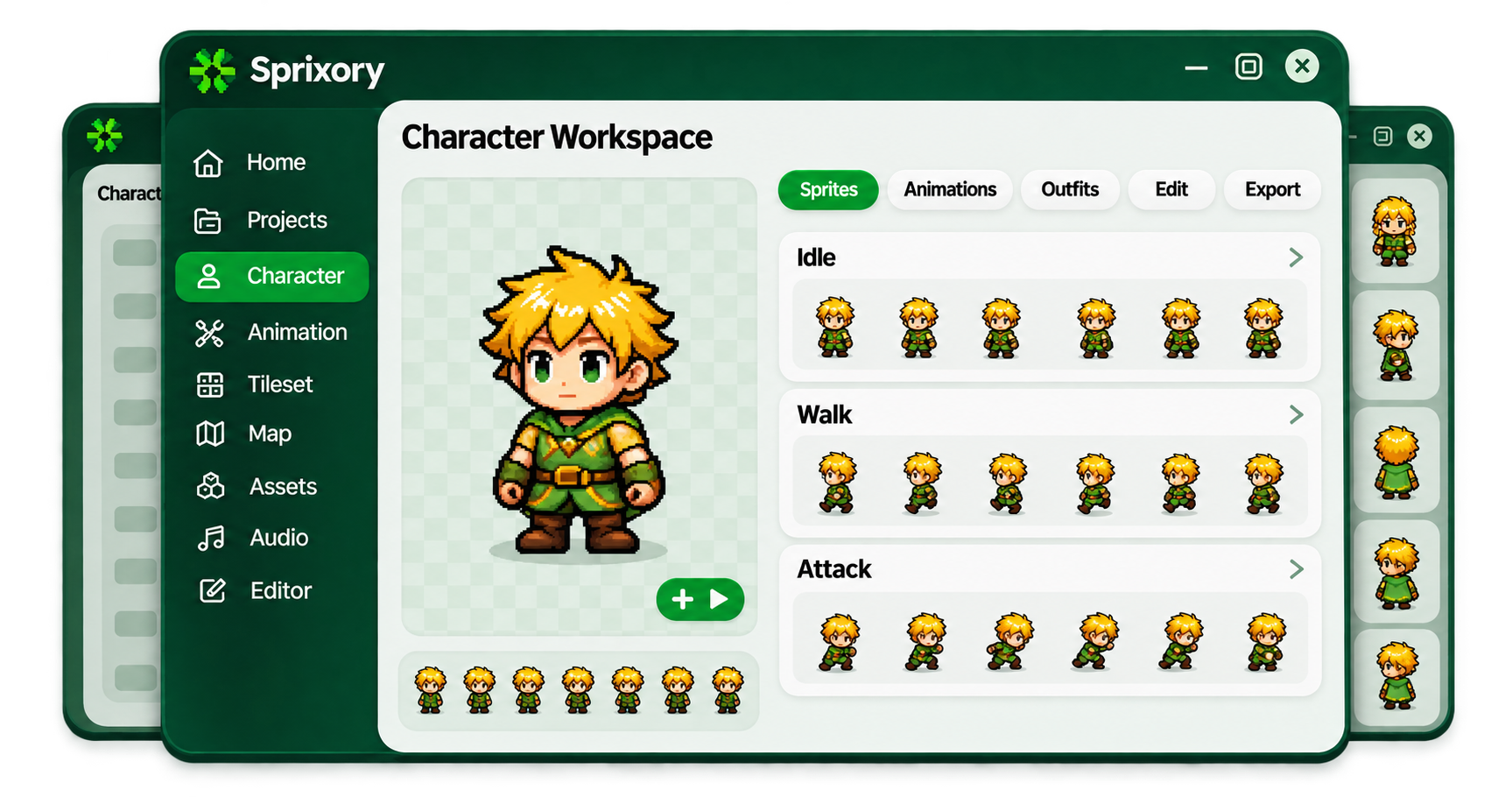
MkSprite Character Workspace showing a pixel character, three animation rows, and layered project windows
キャラクターワークスペース

アイデアからゲーム素材へ
ワークフローをひとつに。

キャラクター作成からアニメーション編集、ゲームエンジンへの書き出しまで、ひとつのワークスペースで。

Create & manage characters
Keep a consistent art style
Generate directions & animations
Organize with projects & assets
Edit with a built-in pixel editor
Export to multiple game engines
ワークスペースを見る
Multi-engine export

ゲームエンジン向けに書き出す

人気のエンジンに対応したアセット形式。

Simple & flexible

あなたにぴったりの
プランを選ぼう

無料で始めて、必要に応じてアップグレード。

Save 20%
For exploring

Free

01

Discover the workflow and create your first game assets.

$0/ month

No long-term commitment

60 credits / month
What's included
All 11 free browser pixel tools
Standard generation speed
Community support
For solo creators

Creator

02

Everything you need to build a complete indie game.

$12/ month

No long-term commitment

1,000 credits / month
What's included
Access to all studio tools
Higher generation priority
Save and manage projects
For small studios

Team

04

Shared capacity and support for growing creative teams.

$79/ month

No long-term commitment

10,000 credits / month
What's included
Everything included in Pro
Expanded team collaboration
Priority support
Pricing and included credits are illustrative until billing launches.

よくある質問

ゲーム素材の作成、書き出し、使用方法をご案内します。

ほかに質問がありますか?
次の世界を、ここから

ゲームアセットの制作を始めよう

MkSpriteでアイデアを形に。

無料で始める