What You Can Build with the AI Character Generator
Consistent Style Across Your Cast
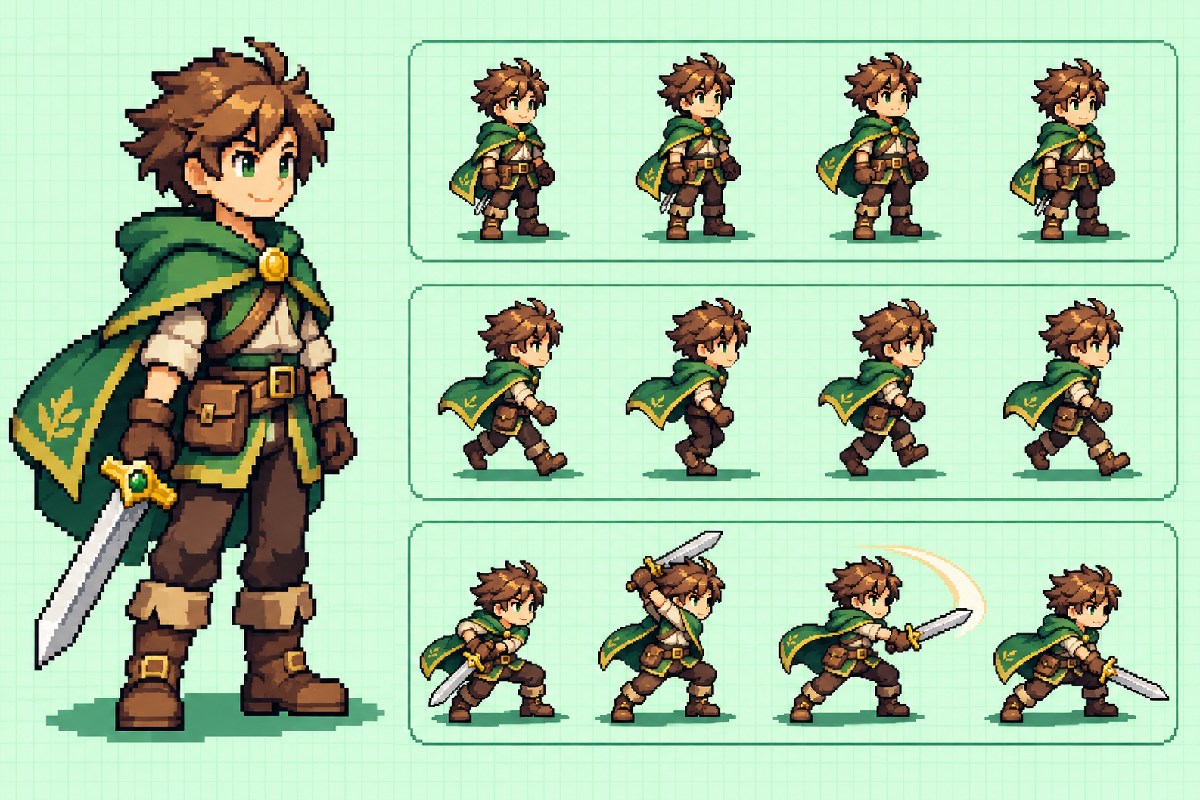
Lock a project profile with shared canvas size, outline weight, and color palette so every hero, boss, and town NPC feels drawn by the same artist.
Text-to-Sprite & Reference-Guided Creation
Start from a plain description or upload existing concept art to explore silhouettes, outfits, and class variations rapidly.
Pixel-Grid & Alpha Hygiene
Outputs are normalized for 2D game rendering—combining nearest-neighbor discipline with binary alpha cleanup so sprites never show fuzzy halos.
Connected to Your Full Asset Pipeline
Move directly from character creation into palette swapping, layered pixel editing, sprite sheet slicing, and multi-engine export.
Export Formats & Engine Compatibility
Download standard, engine-friendly files that drop cleanly into modern 2D game engines with Point / Nearest filtering.
Transparent PNG Sprites
Lossless RGBA single sprites and uniform sprite sheets.
Phaser Atlas JSON
Frame coordinates and animation metadata ready for Phaser 3.
Godot & Unity Ready
Crisp Point-filter PNGs aligned to integer pixel dimensions.
RPG Maker & GameMaker
Clean grid spacing suitable for character sheets and strips.
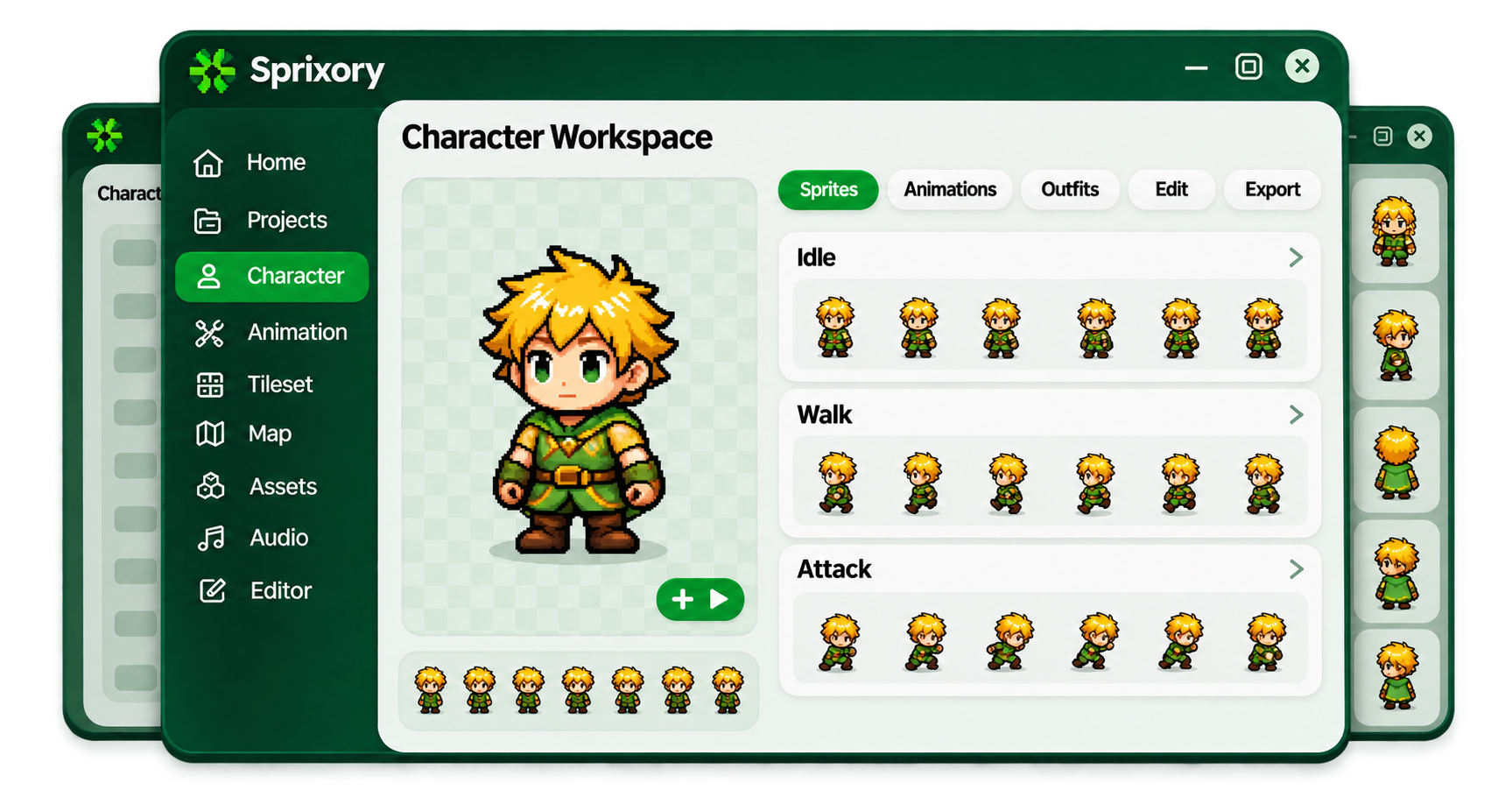
Works Seamlessly with MkSprite’s Free Browser Tools
Polish, customize, and assemble your generated characters using our 0-credit local pixel utilities—no extra software required.
Pixel Art Fixer
Snap to exact pixel grids, cap colors, and remove semi-transparent edge pixels.
Pixel Art Editor
Touch up faces, weapons, and shadows on a multi-layer canvas with PSD & PNG export.
Sprite Recolor
Create enemy palettes, team colors, and equipment variants across an entire sheet.
Sprite Sheet Splitter
Slice uniform character animation sheets into numbered transparent PNG frames.
Frequently Asked Questions
Do I need to sign in to explore how AI Character Generator works?
No. This page covers the full workflow, formats, and examples openly. You only sign in when opening the cloud Character Workspace to run AI generation and save projects.
What resolution and format are generated characters exported in?
Characters target clean logical pixel grids (such as 32×32, 48×48, and 64×64) and export as transparent PNG sprites and engine-ready sheets.
Can I edit or recolor characters without spending extra credits?
Yes. All local tools—Pixel Art Fixer, Pixel Art Editor, Sprite Recolor, and Sprite Sheet Splitter—run 100% in your browser at 0 credits.
Which game engines can use MkSprite character assets?
Exported PNGs and sprite sheets work with Godot, Unity, Phaser, GameMaker, RPG Maker, and any 2D engine supporting standard PNG sprites.